 Rendervis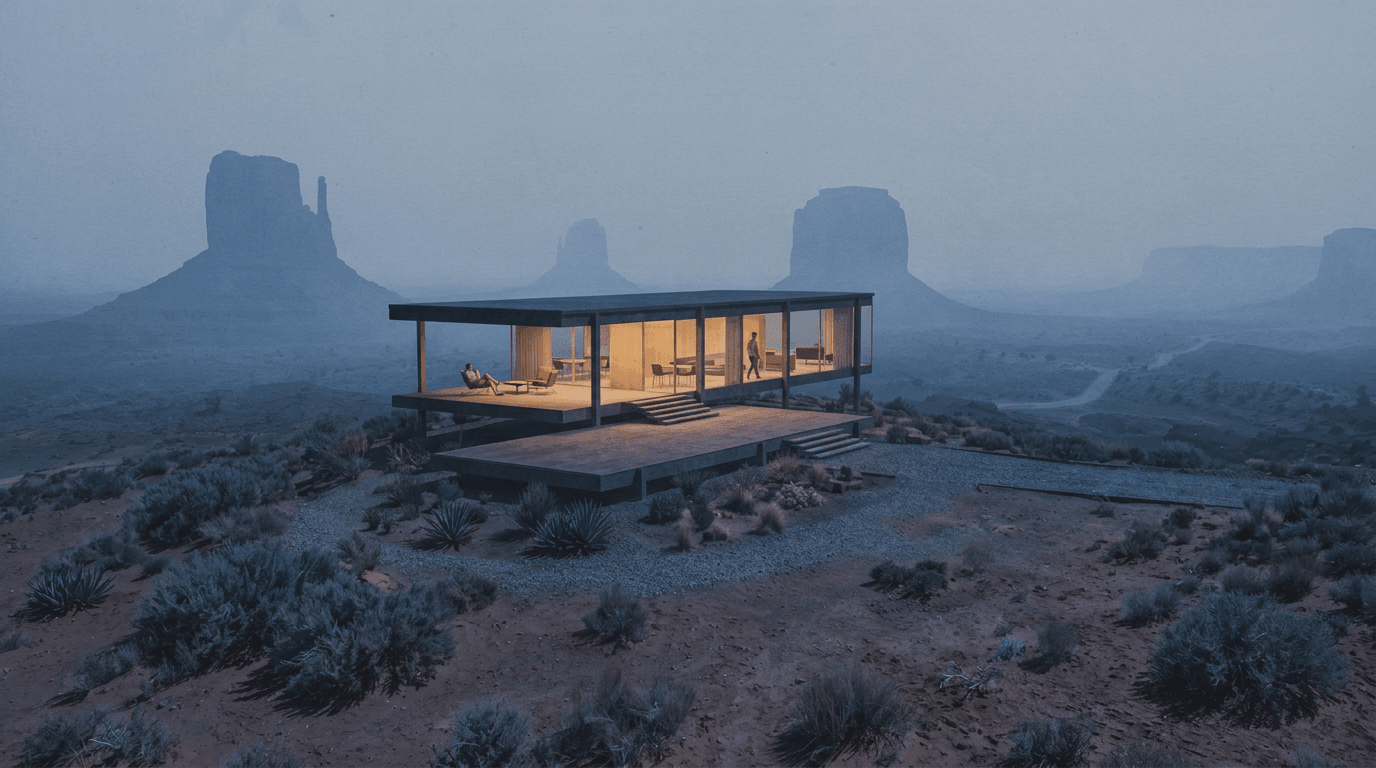


Student
Start shipping photoreal renders.
$9/ month
or $99/year (= $8.25/mo)
- 20 credits every month
- Credit top-ups anytime
- Premium AI photo models
- Video animations up to 4K
- Place in world (coming soon)
- Solo workspace
Create renders from floor plans, 3D models, and sketches, or videos from renders.
Works with 3D models and image uploads from tools like these.







and many more…
[1]
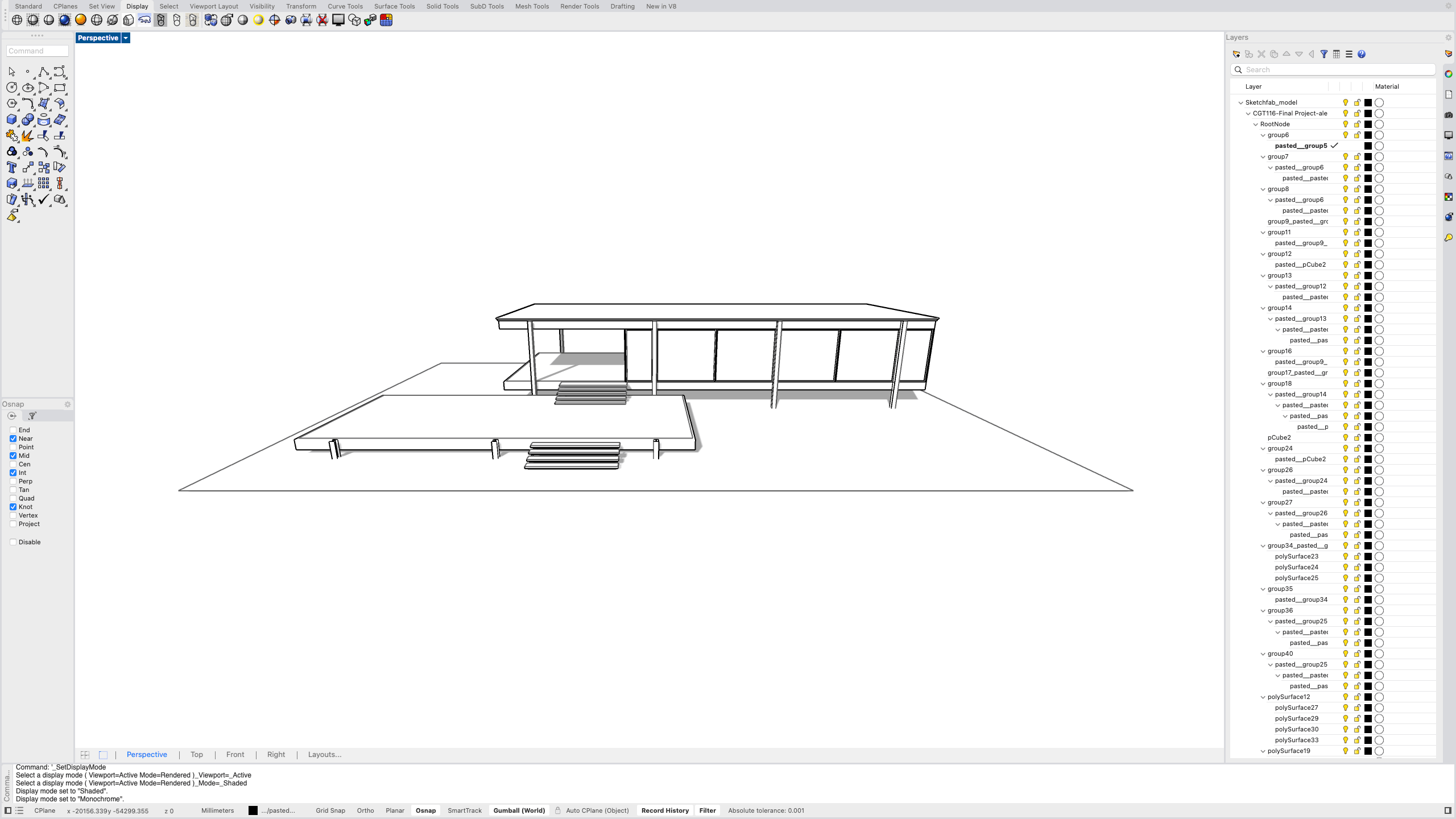
Bring a PNG, JPG, or GLB 3D model from your CAD software, or a hand-drawn sketch.
[2]
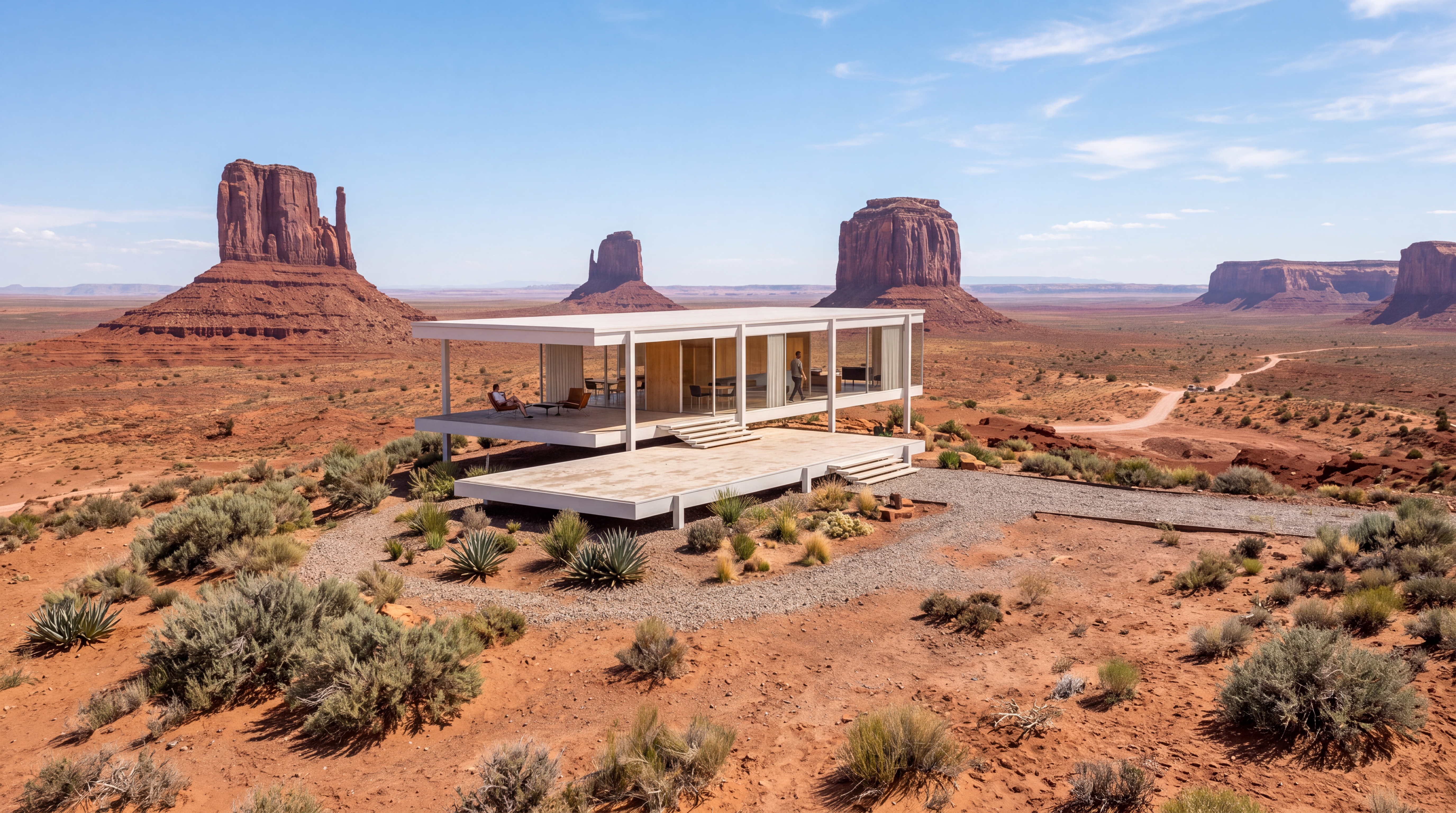
Click render and get a presentation-ready photorealistic image in seconds.
[3]
Add cinematic or artistic style reference images, or describe the look in your own words, to make your visualization stand out.
Used by architects, interior designers, product designers, product managers, architecture students, property developers, and visualization professionals.
Quickly visualize your project in all possible lighting scenarios, in just a click.
Sunrise
Noon
Eclipse
Sunset
Night
Start in photorealism and change materials, or switch to a drawing style. Try every version you haven’t yet, in minutes.
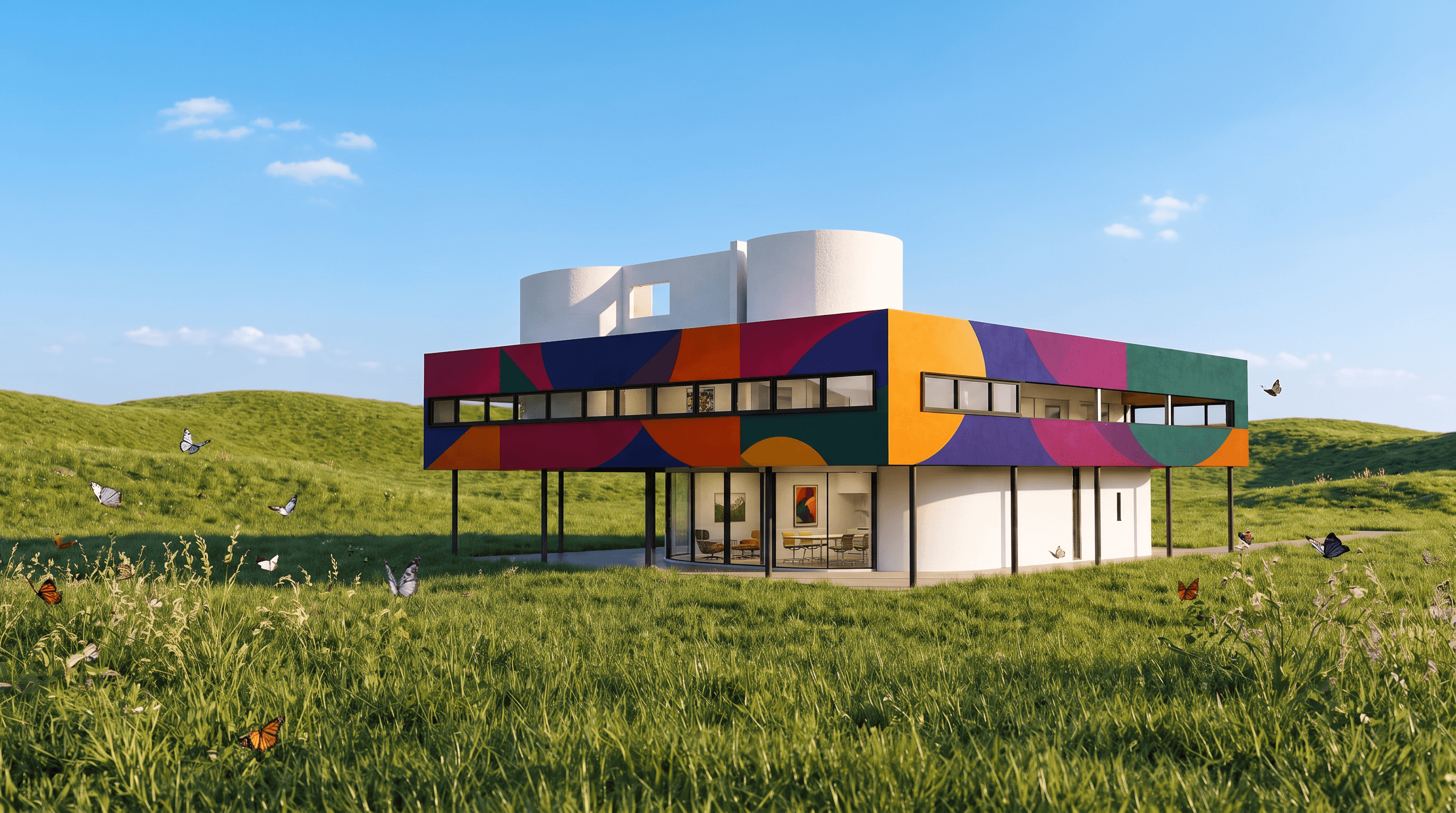
Photorealism
Color
Style
How it’s drawn
Materials
Photoreal finishes
More styles are available in the app, and you can bring your own and customize them to your liking.
Try it yourselfTimelapses, walkthroughs, flyovers, or a move between two views.
Pick a cinematic camera move like orbit, dolly, pan, flythrough, or describe your own. Download the finished video as MP4, ready to share with clients or post on social.
Your entire history lives on one beautiful canvas. See an image you love? Branch from it. Try a different material, a bolder angle, a wilder idea. Nothing is ever lost, and every possibility is just a branch away.
Place your building in the world and see how it comes to life in its surroundings.
Coming soon
What used to take most of a workday can now happen while you are still exploring ideas. Rendervis helps you move through architectural visuals faster without giving up presentation-ready quality.
Choose your plan. Your credits are the space to explore, experiment, and create.
Start shipping photoreal renders.
or $99/year (= $8.25/mo)
More credits for active projects and client work.
or $490/year (= $40.83/mo)
Shared credits and a team workspace for studios.
or $990/year (= $82.50/mo)
All prices inclusive VAT. No commitment, cancel anytime.
Higher credit pools, more seats, or a tailored setup — tell us what you need and we'll put a plan together.